All image comparison solutions
Image overlay comparison
Reveal changes by layering two images
Overlay puts two versions in the same frame, making shifts, crop differences, retouching, and alignment errors easier to spot.
Compare my images
No upload · No account · Files stay on your device
See both versions in the same position
Use a matching image pair to inspect what moved or changed.
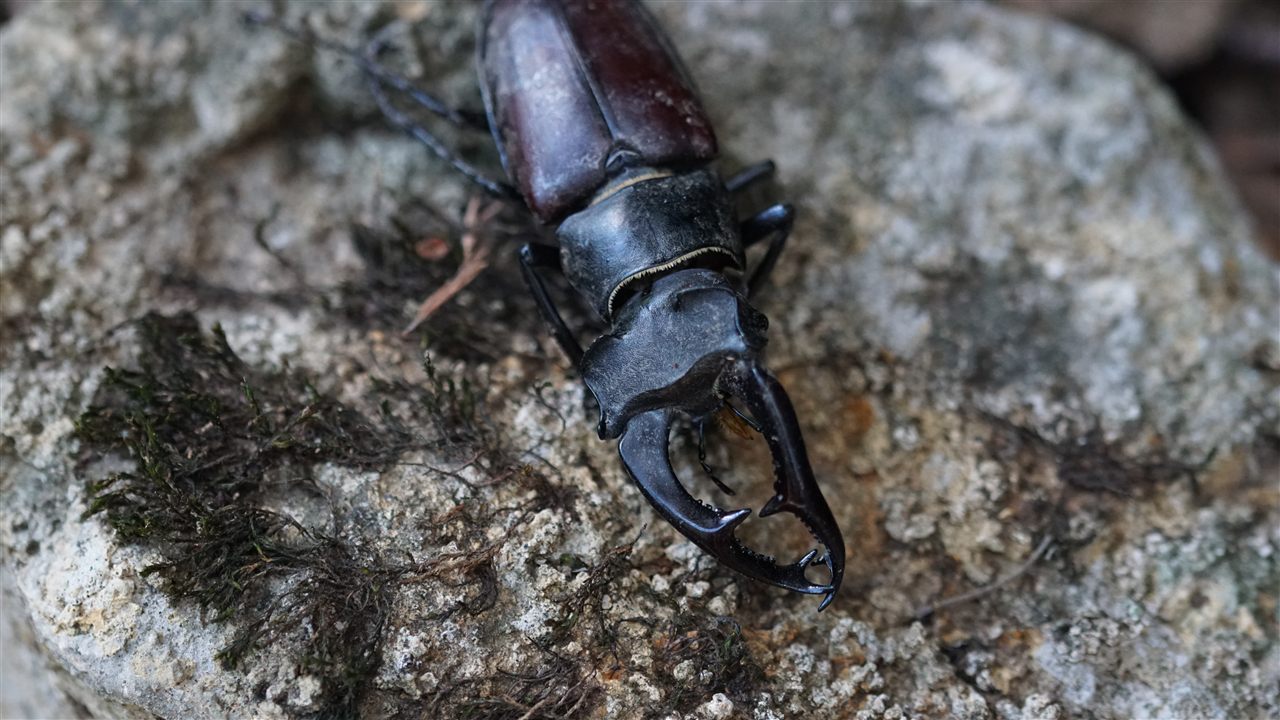
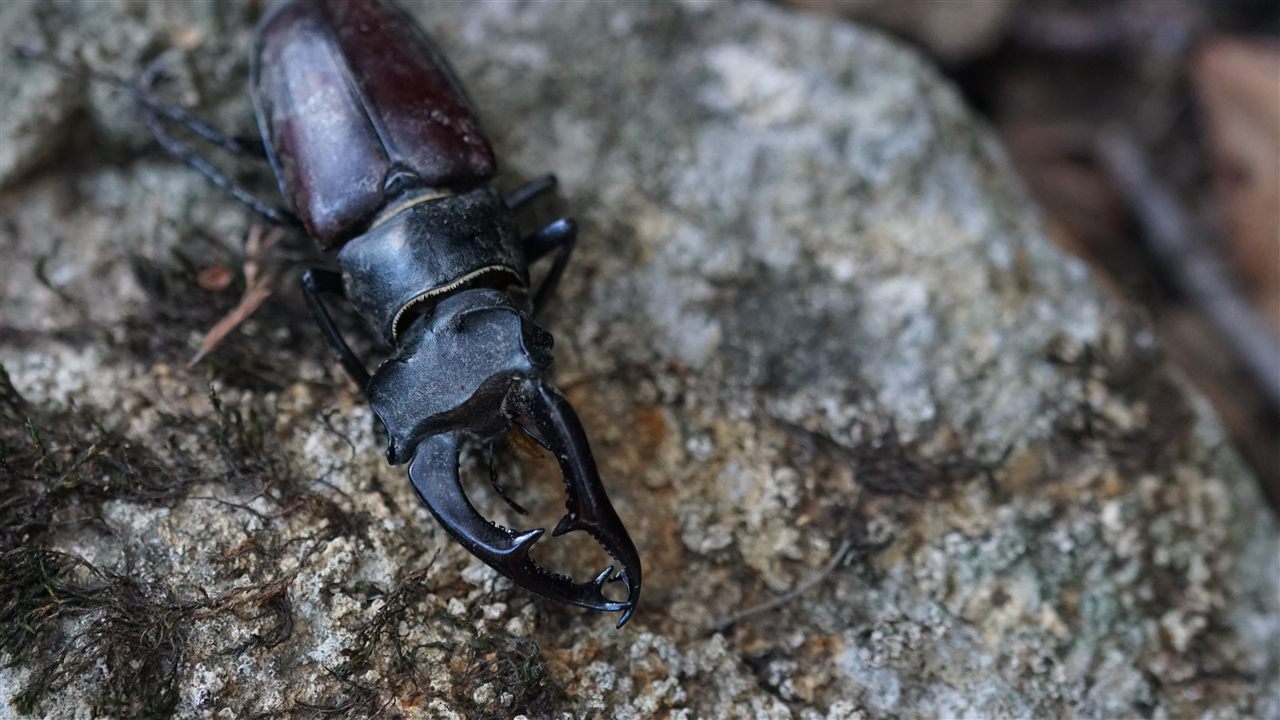
A deterministic JPEG pair used by Varyanz for comparison examples.
When Overlay is the right method
Choose Overlay when the images share the same subject and you need to inspect spatial changes rather than view each version independently.
- Retouching and cleanup
- Position and alignment
- Crop and framing
- Rendered or exported revisions
Start an overlay comparison
- Open Overlay in Varyanz.
- Choose two local images.
- Adjust the overlay and align the sources when necessary.
Compare my images